KOSTENLOS – OHNE VERKAUFSGESPRÄCH
Sie wählen ein VMS? Entscheiden Sie nicht blind.
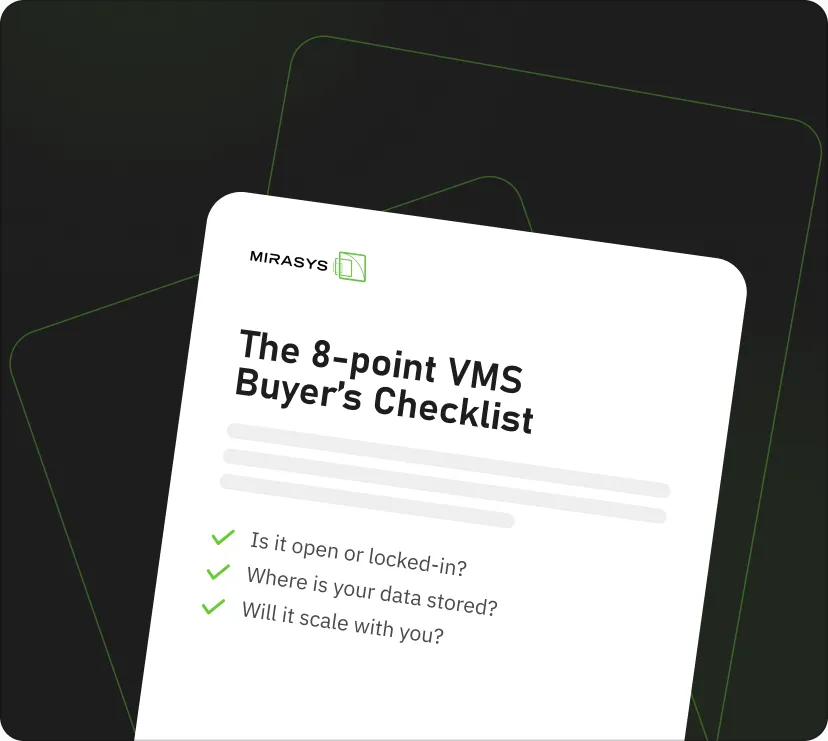
Holen Sie sich die kostenlose 8-Punkte-VMS-Checkliste. Die Fragen, die Sie stellen sollten, bevor Sie sich auf eine Plattform festlegen – auch auf unsere.


Article by: Mirasys
What integrations are for, why they matter and when to build them – an overview of Mirasys VMS integration interfaces.

Over the years, numerous integrations have been developed for the Mirasys VMS software, implemented either as one-way or two-way connections. The definition and purpose of integrations frequently come up in discussions with our customers and partners. Often, there's a desire to integrate different systems, but the actual goal remains unclear—especially in terms of how it benefits the end user. Sometimes the need is based on the fact that a similar integration has been done elsewhere.
That’s why, whenever an integration is mentioned in a proposal or customer request, it is important to pause and consider what the integration is meant to achieve. Once the purpose and need are clearly defined, it becomes easier to evaluate the implementation and ensure the integration delivers real value.
The most common outbound integration from Mirasys VMS involves retrieving images or exporting video material into another format or enabling remote viewing through another system. Inbound integrations typically involve bringing in data and triggering video content based on specific messages, which then serve as alerts for further action.
Mirasys VMS offers various interfaces for building integrations. One of the most versatile is the Text Channel, which allows data collection and parsing. Through this, alerts can be triggered based on selected messages.
Examples include:
Text Channels can also be extended with plugins such as proxies, which enable reading camera metadata and extracting relevant information.
Examples include:
Another option is to develop native features within the software itself. For instance, integrating the ONVIF M profile directly into the software improves usability and simplifies configuration, eliminating the need for separate applications or connections. You can explore the ONVIF M profile integration for more details.
Additionally, integrations have been built into the Gateway interface, allowing system-generated content and hardware to be shared with third-party systems.
Examples include:
The software also supports virtual I/O connections, which can be used to control camera-related functions such as wipers or trigger an IP speaker to play audio.
Examples include:
Mirasys VMS offers multiple ways to utilize and share data. This overview is just a glimpse of what the software can do - whether it is about delivering data to third-party systems or retrieving information to enhance your own.
Tero Nylund, Head of Implementation
KOSTENLOS – OHNE VERKAUFSGESPRÄCH
Holen Sie sich die kostenlose 8-Punkte-VMS-Checkliste. Die Fragen, die Sie stellen sollten, bevor Sie sich auf eine Plattform festlegen – auch auf unsere.
Kontaktieren Sie uns
Fordern Sie eine Demo an – wir zeigen Ihnen genau, wie Mirasys zu Ihren Standorten, Ihren Systemen und Ihrem Team passt.


Die offene, europäische Videomanagement-Plattform, die seit 1997 Video- und Sensordaten in verwertbare Erkenntnisse verwandelt.
© 2026 Mirasys Oy · Videomanagement-Software
Metsänpojankuja 1 A, 02130 Espoo, Finnland


